Get FICA Approved on Betway in 6 Steps, South African Photo Tips
Follow Betway Pedia's upload steps plus BetMzansi photo, file-naming and email tips to get FICA approved on Betway quickly in South Africa and avoid...
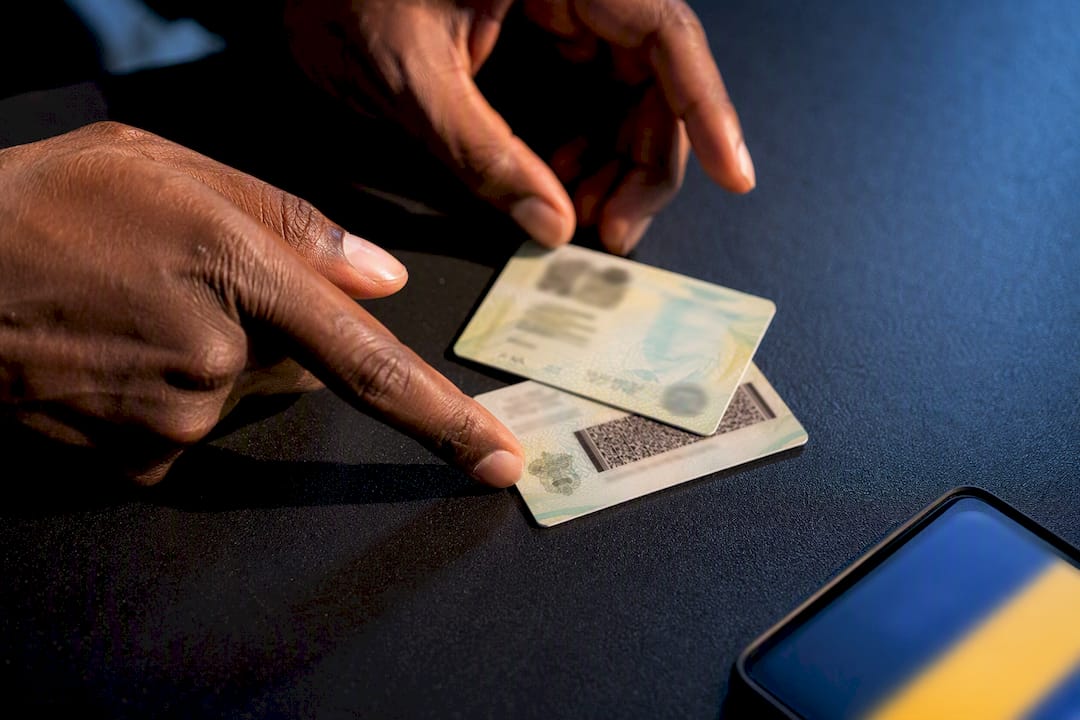
Log into your Betway account, open the Documents Upload page (or follow the automatic pop-up), and submit your ID plus proof of banking. Verification usually clears within a couple of days, though it may take longer over weekends. If the upload tool fails, email [email protected] with your registered cellphone number in the subject line. This process satisfies the Financial Intelligence Centre Act requirement Betway operates under, and the full steps sit on Betway Pedia.
TL;DR:
- Upload both sides of accepted IDs and a recent bank statement under 4MB in color PDF, JPG, PNG or GIF format for faster approval.
- Using daylight, a plain background, and properly labeled files can reduce verification time and prevent rejections due to poor image quality.
- Verification typically takes up to 48 hours, but delays over weekends are common, and support must manually override mismatched or expired documents.
- Repeated submissions of blurry, cropped, or incomplete files prolong delays; support advises contacting directly for name or detail corrections.
- Accurate initial document uploads save time, minimize rejections, and ensure deposits and withdrawals are not restricted once verified.
Table of Contents
- How to FICA Betway: Step-by-Step Upload Instructions
- Which Documents Does Betway Accept?
- File Formats and the Mistakes That Cause Rejections
- What Happens After You Upload: Timing and Status Updates
- If the Upload Fails: Emailing Your FICA Documents
- Fixing Mismatched Names, IDs, or Expired Documents
- BetMzansi’s Field Tips for Faster FICA Approval
- Why Getting FICA Right the First Time Matters More Than People Think
- Helpful BetMzansi Resources for Verified Betway Users
- Sources
How to FICA Betway: Step-by-Step Upload Instructions
FICA stands for the Financial Intelligence Centre Act, and Betway’s version of it is really just an identity check dressed up in banking language. You are proving you are who you say you are, and that the bank account attached to your profile belongs to you. Here’s exactly how to get it done on mobile or desktop.
- Log into your Betway account. Use your registered username and password on the app or the website.
- Find the upload screen. A pop-up window often appears automatically when you log in and your account still needs verification. If it doesn’t, go to the account menu and select Documents Upload.
- Select your document type. Choose ID, passport, Smart ID, or driver’s license from the dropdown.
- Attach the file. Tap “choose file” to pull from your gallery, or use your phone camera to snap a fresh photo. Attach both the front and back where the document requires it.
- Submit and confirm. Hit Save or Submit, and Betway sends a confirmation email acknowledging receipt.
- Watch your account status. A status indicator on your profile shows pending, approved, or rejected. Once approved, deposits and withdrawals unlock without restriction.
According to Betway Pedia, the whole flow, from pop-up to confirmation email, follows this exact order. Skipping a step, like uploading only the front of your Smart ID, is the single most common reason accounts stall at “pending” for days longer than they should.
Which Documents Does Betway Accept?
Betway accepts a specific list of IDs, and mixing up which one to send, or submitting an incomplete version, is where most delays start. The accepted list, per Betway Pedia, covers:
- Green South African ID book (the older bar-coded ID)
- South African passport (current, not expired)
- Smart ID card (front and back required)
- Driver’s license (front and back required)
You’ll also need a South African bank statement no older than three months whenever Betway requests one, to confirm the account you’re using for deposits and withdrawals actually belongs to you. A screenshot of your banking app’s home screen usually doesn’t cut it. Betway wants a proper statement showing your name, account number, and a recent date, either a PDF export from your banking app or a physical statement photographed in full.
For Smart ID and driver’s license uploads, both sides matter. A single front-facing photo, even a sharp one, gets flagged as incomplete because the back carries information the reviewer needs to cross-check.
File Formats and the Mistakes That Cause Rejections
Betway accepts PDF, JPG, PNG, and GIF files, and all images should be in full color. Black-and-white scans obscure security features and slow down manual review. Keep every file under roughly 4MB, and if you’re shooting with a phone camera, export around 1,200 to 2,400 pixels on the longest side. That’s sharp enough to read clearly without ballooning the file size.
The most common rejection causes, according to SilentBet’s guidance, are cropped or blurry images, expired documents, a missing second side on ID cards, and name mismatches between the document and your Betway profile.
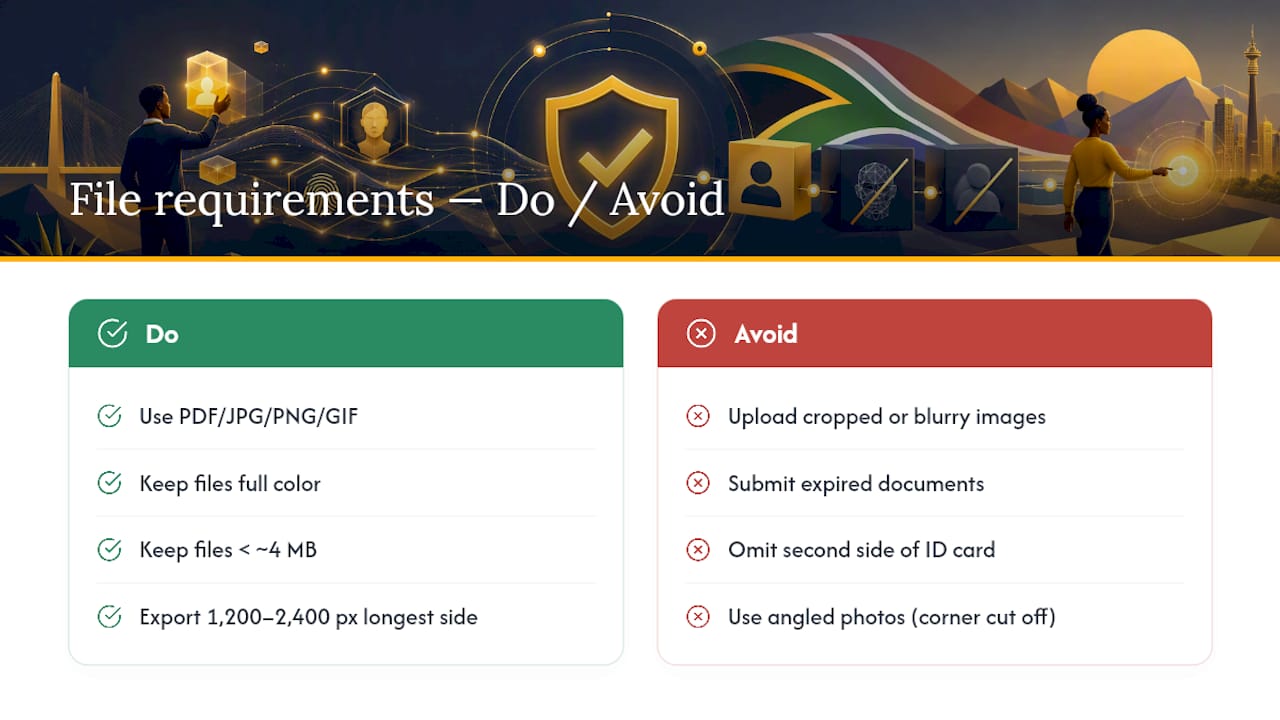
Pro Tip: Lay your ID flat on a plain, dark surface, shoot from directly above in daylight, and check all four corners are visible before you hit upload. A photo taken at an angle, with one corner cut off, is an automatic rejection.
What Happens After You Upload: Timing and Status Updates
Betway’s typical review window runs up to 48 hours, though it can stretch longer over weekends or during peak signup periods, according to Betway Pedia. You’ll get an email once your documents are approved.
Until verification clears, some deposit and withdrawal actions may stay limited. If Betway rejects your submission, the rejection email specifies exactly what went wrong, whether that’s a blurry scan or a missing back-side photo, so you know precisely what to resubmit rather than guessing. Note that Betway’s operator, Raging River Trading (Pty) Ltd, reserves the right to suspend any account that hasn’t completed FICA within a reasonable window, so it pays to sort this early rather than after you’ve tried to place a bet.
If the Upload Fails: Emailing Your FICA Documents
Sometimes the in-app uploader glitches, times out, or simply won’t accept your file type; it is important to use only official channels and avoid third-party contacts, as explained in Are UK raffle sites legit? What to check before you enter. When that happens, email your documents directly instead of retrying the same broken form.
- Send everything to [email protected].
- Put your registered Betway cellphone number in the email subject line, since that’s what support uses to match your documents to your account.
- Attach clear, full-color images of every required document.
- Label each attachment by what it is, for example “ID_front” and “ID_back,” so the reviewer isn’t guessing.
Support reviews email submissions in a similar timeframe to uploads, though manual processing may extend the duration somewhat.
Fixing Mismatched Names, IDs, or Expired Documents
You cannot edit your name, surname, ID number, passport number, or date of birth yourself inside your Betway profile. Those fields are locked for security reasons, and changing them requires contacting support directly with proof.
- If your passport has expired, upload a current one or switch to another accepted ID, since expired passports are not accepted regardless of how close to the expiry date you are.
- If your name changed through marriage or a legal process, upload a certified name-change document alongside your current ID and follow Betway support’s specific correction instructions.
- If your details simply don’t match what you entered at registration, typically a typo in your ID number, contact support with your correct documents rather than trying to re-upload the same file repeatedly.
Repeated re-uploads of an already-rejected file rarely fix a mismatch problem. Support has to manually override the record, so reaching out directly saves you several rounds of pointless waiting.
BetMzansi’s Field Tips for Faster FICA Approval
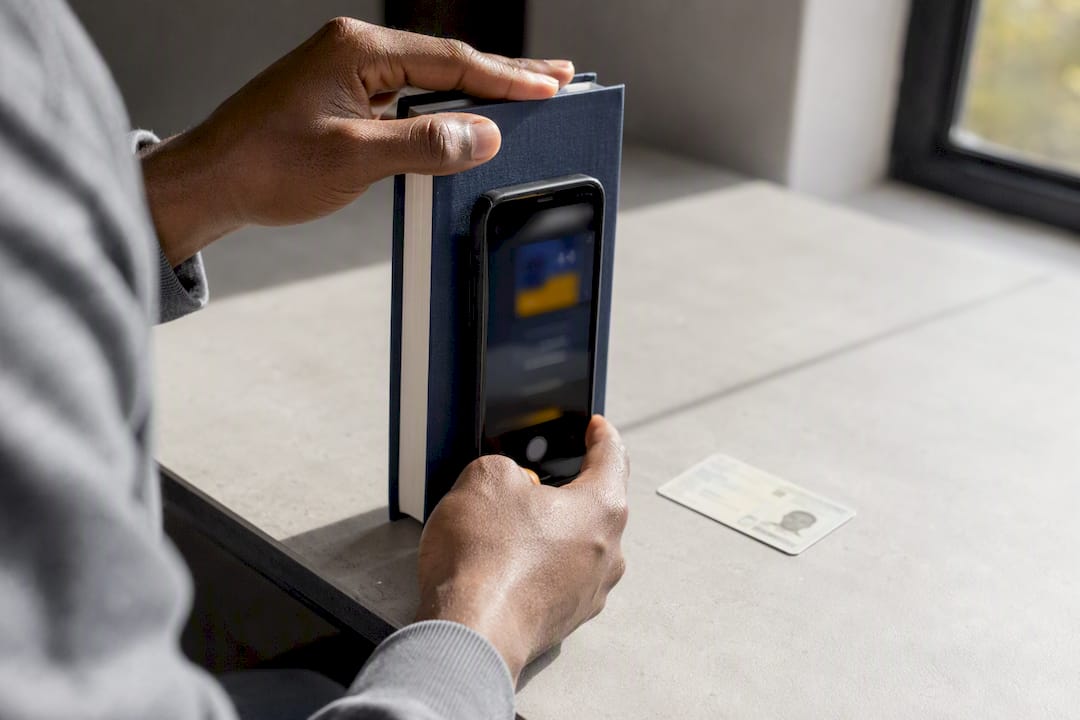
A few small habits separate a same-day approval from a week of back-and-forth. Shoot your documents in natural daylight against a flat, plain background, and steady your phone against a book or wall rather than holding it freehand. Blur from a shaky hand is one of the easiest rejections to avoid entirely.
Name your files something a reviewer can understand at a glance, for instance “ID_front_0831234567.jpg,” pairing the document type with your registered Betway number. This single habit noticeably reduces triage time for support teams sorting through hundreds of email submissions a day.
If you’re in a hurry, say so briefly in your email subject line and make sure every attachment is labeled correctly before you hit send. And always keep copies of everything you submit. If a file goes missing on Betway’s end, you want to resend instantly rather than digging through old photos.
Why Getting FICA Right the First Time Matters More Than People Think
Most guides treat FICA as a box to tick, but the real cost of doing it sloppily isn’t the 48 hour wait. It’s the second and third round of rejections that stack delays on top of each other, often right when you actually want to withdraw winnings or place a big bet on a weekend fixture. The conventional advice, “just upload your ID,” skips the part that actually determines your outcome: image quality and file labeling.
What the evidence here actually supports is that speed comes from preparation, not persistence. A person who photographs both sides of their Smart ID in daylight on the first attempt finishes faster than someone who fires off five blurry resubmissions over three days. Betway’s own documentation is clear and complete. The gap is almost always on the user’s side: cropped corners, black-and-white scans, or a missing back panel.
If you take one thing from this, prioritize the photo, not the platform. Get that right, and the rest of the process runs itself.
— Nkosi
Helpful BetMzansi Resources for Verified Betway Users
Once your account clears FICA, the real question becomes how to use it well. Bet-mzansi is the place to check that next, since it breaks down exactly what happens after verification, from withdrawal limits to how quickly payouts actually land in your account.

The Betway Review 2026 on Bet-mzansi covers payout speeds, account limits, and the account policies that kick in after your documents are approved, worth a read before you make your first big withdrawal request. If you run into unfamiliar terms during verification or when reading through Betway’s account rules, the betting glossary breaks down the jargon in plain language. And if you’re weighing whether Betway is the right platform for your account before you commit fully, the Financial Intelligence Centre sets the legal baseline, while Bet-mzansi’s own comparisons of licensed South African bookmakers show how Betway’s verification process stacks up against the rest of the market.
Sources
- How To upload FICA Documents? | Betway Pedia
- Betway registration South Africa (blog) — instructions
- SilentBet: Betway FICA guidance